
Established Next session not scheduled
In-person workshops South Brunswick, NJ
Our original course in South Brunswick, New Jersey. In small groups, students wire circuits, program Arduinos in C++, design parts in CAD, and build a final project.
Programs
RoboZone's established program is an in-person robotics course in South Brunswick, New Jersey. We're also planning free online workshops and exploring local branches in other communities. Here's where each one stands.
Established Next session not scheduled
Our original course in South Brunswick, New Jersey. In small groups, students wire circuits, program Arduinos in C++, design parts in CAD, and build a final project.
Being explored Dates not announced
We're planning free, 60-minute online workshops in circuit simulation and CAD. Students will build virtual circuits and create digital 3D models, with no physical circuit building or 3D printing.
Pilot dates, eligible audiences, registration, and platform arrangements are not yet confirmed.
Being explored No other branches yet
Local groups in other communities that would run hands-on workshops using RoboZone's teaching approach.
We'd start with a single pilot branch. Approval, support, and money arrangements are still being worked out.
In-person course · South Brunswick, NJ
Over eight weeks of in-person workshops, students wire real circuits, program them in C++ on an Arduino, design parts in CAD, and finish with a project of their own.
These details describe the in-person course. Online classes or branches, if they launch, will list their own.
Established Next session not scheduled
The course itself is established: it's what RoboZone has taught since 2024. Email us to ask about future dates. That's a question, not a registration.
Ask about future sessions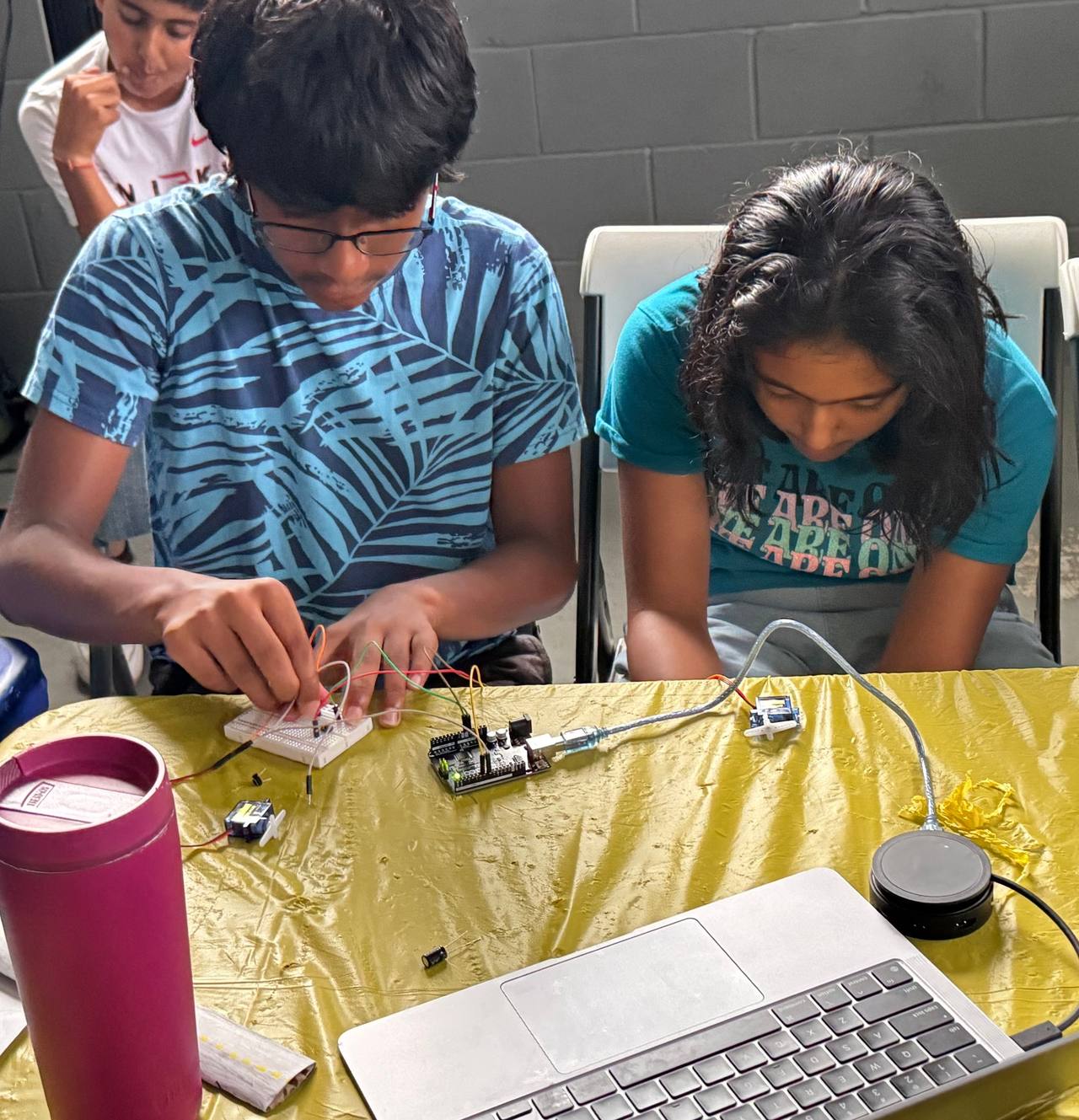
In-person course · What students learn
The in-person course is grouped by skill rather than by week. Each stage builds on hardware and code students already have working.
Stage 1 · Circuits
Students start with real parts on a breadboard: an Arduino, jumper wires, resistors, and LEDs. Once the LED lights up, they learn why.
Stage 2 · Code and input
Next, students add a button and write the C++ code that connects it to the LED. Then they change the program so the button works in reverse.
Stage 3 · Motion and CAD
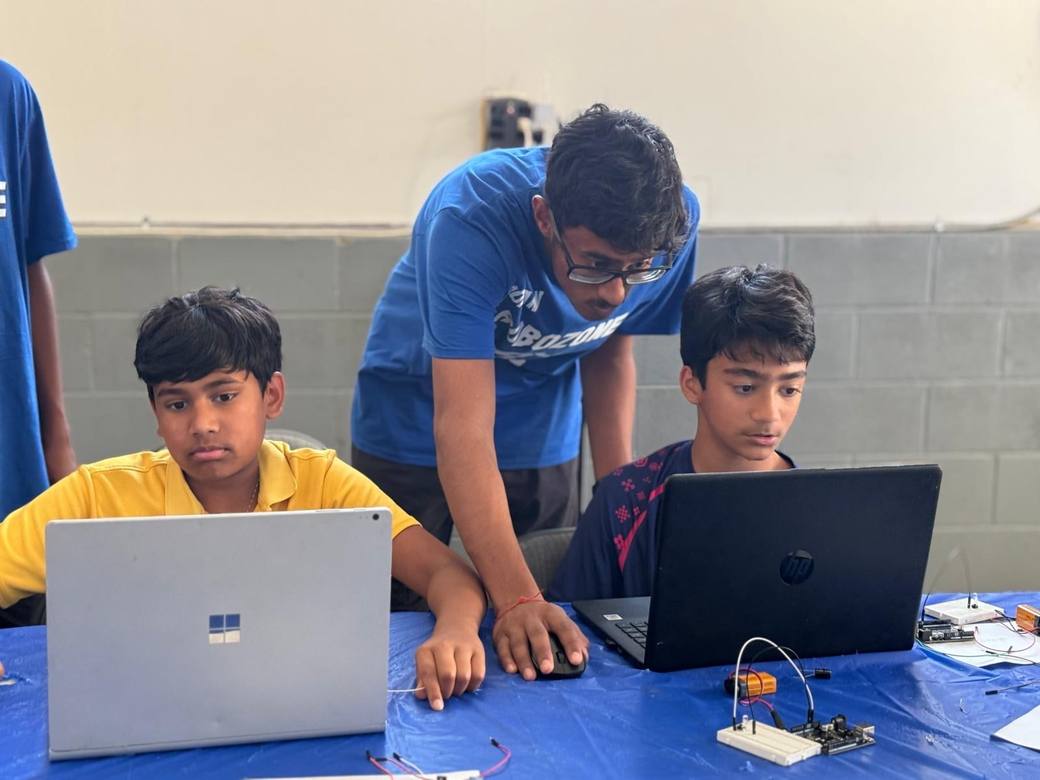
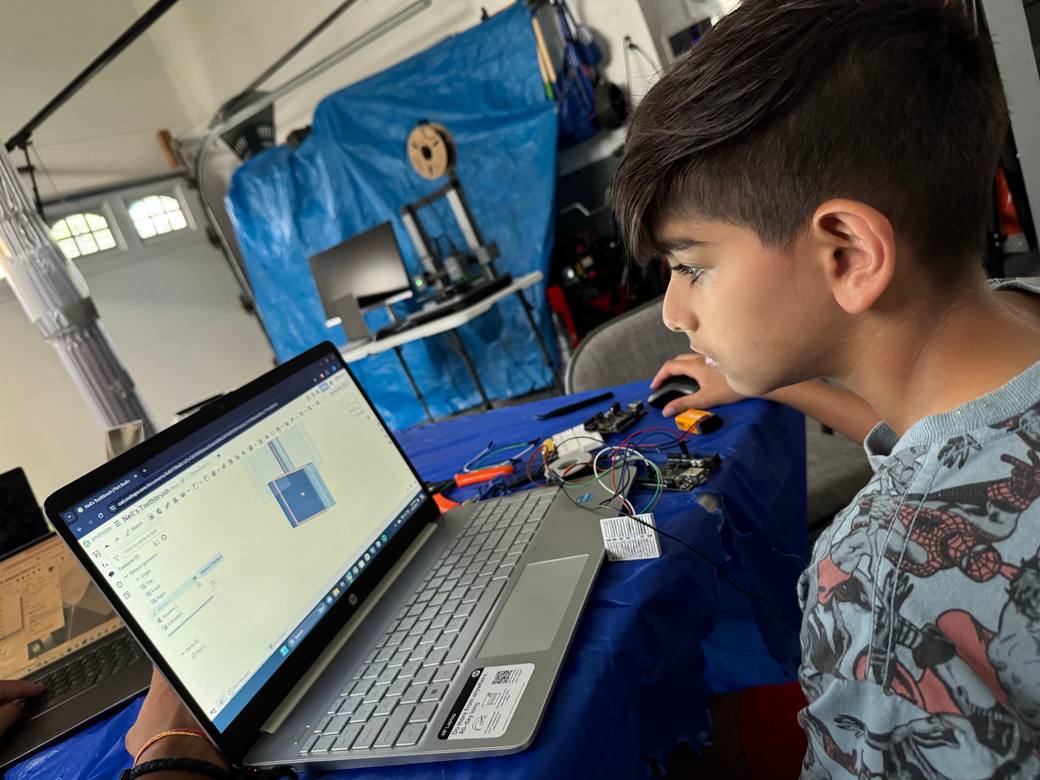
Students wire and program servo motors, meet transistors, and start using computer-aided design (CAD) in Onshape to model parts like an organizer.
Stage 4 · Final project
To finish, students design and 3D print parts, build and program a minigame circuit, and present what they made.
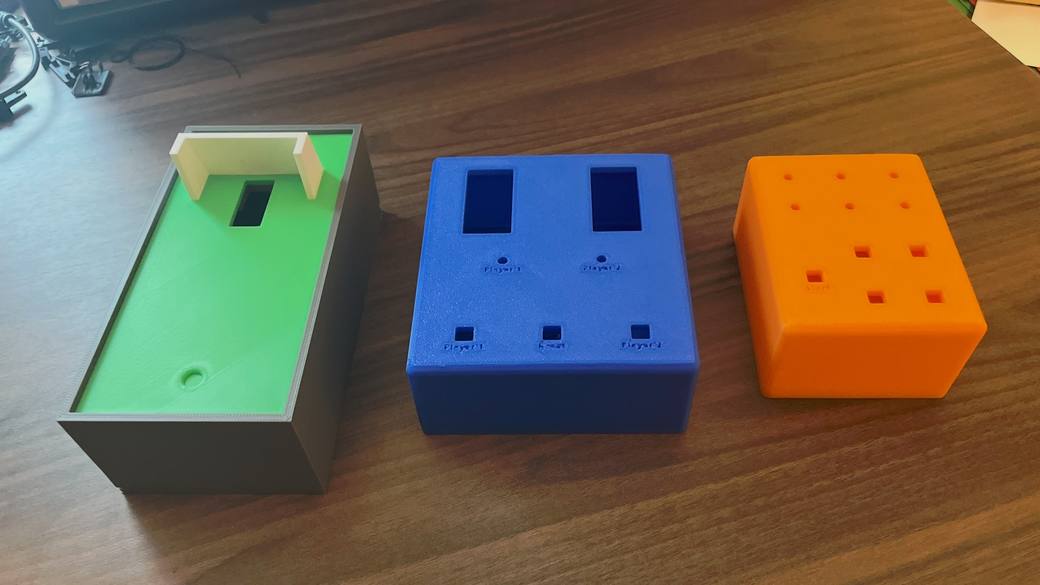
Tools students use: an Arduino board programmed in C++, breadboards and electronic components, Onshape for CAD, and a 3D printer.
In-person course · What students build
Students build something at every stage, so their progress is right there on the table.
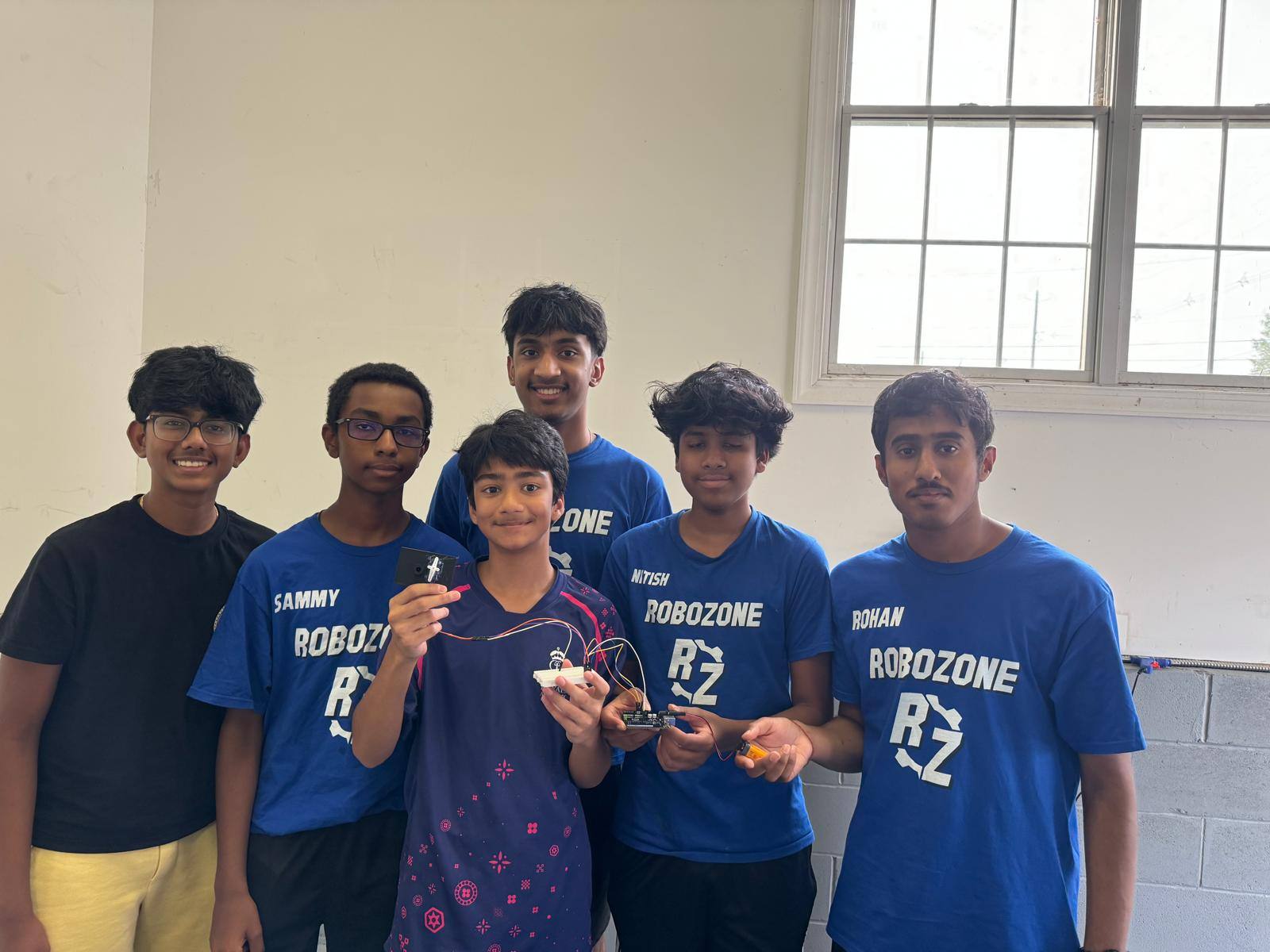
The in-person course ends with a project that brings together 3D-printed parts, a circuit, and code. Students present what they built. One student built a machine that waters a plant automatically.
More student builds from past sessions
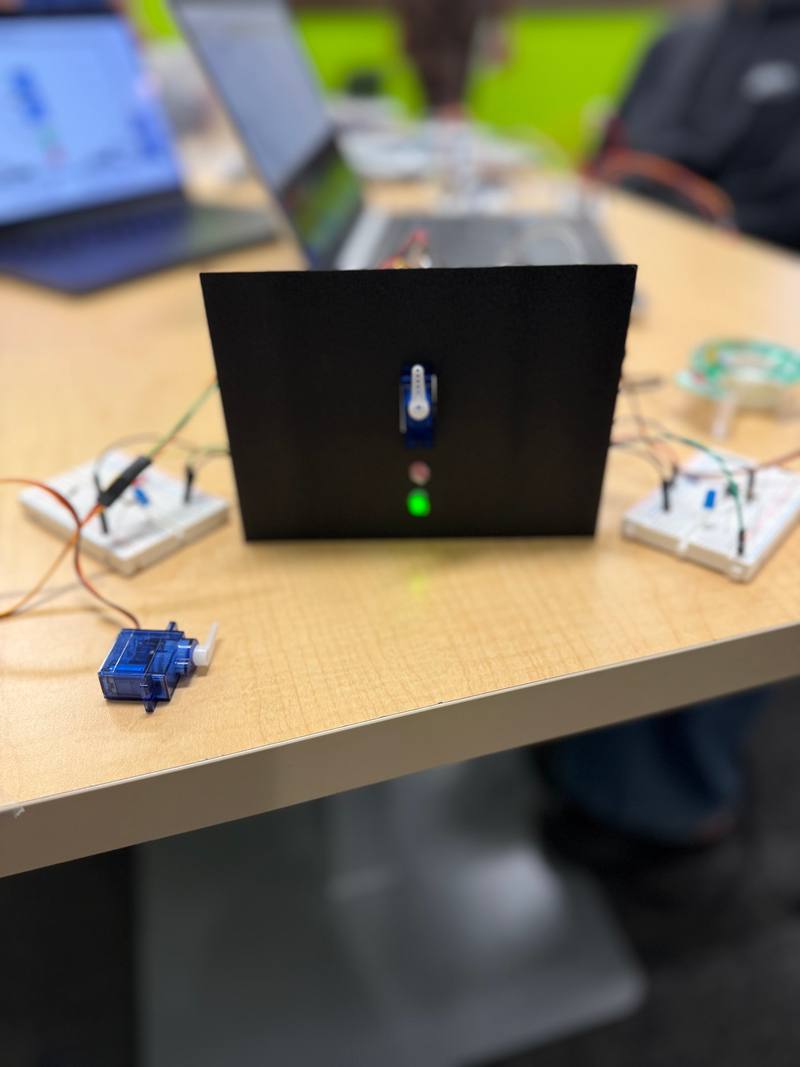
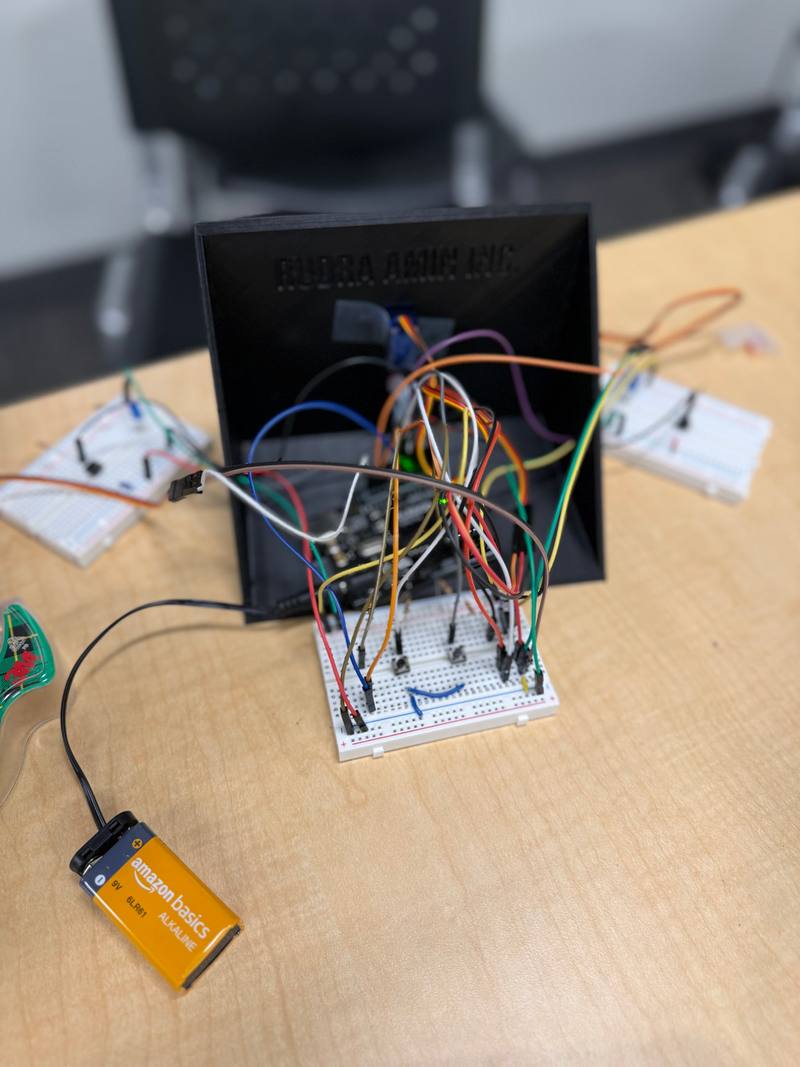
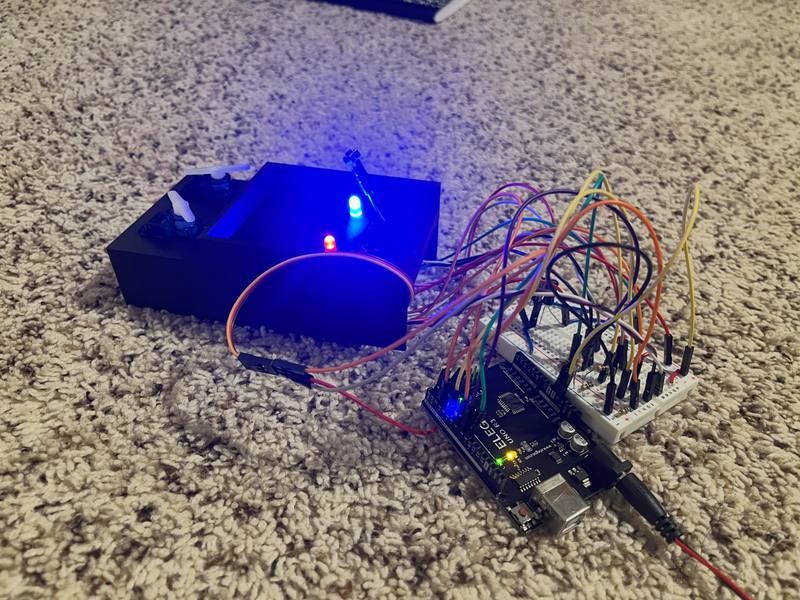
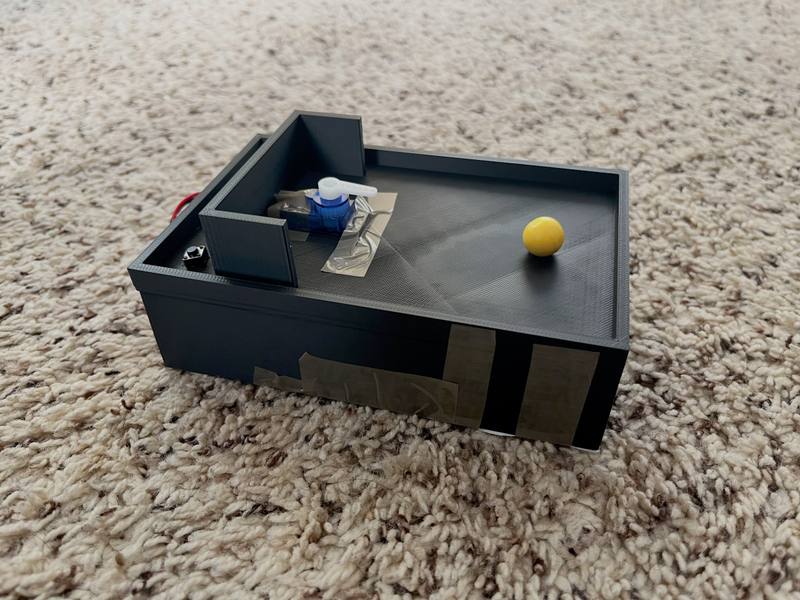
Built in the in-person course
Wire a pushbutton and an LED, write the code that links them, then rewrite it so pressing the button does the opposite.
Concepts: Digital input and output / C++ on Arduino
Connect a servo motor, program it to move to set positions, and take on extension challenges once it works.
Concepts: Motors / Control in code
Design an organizer or another model in Onshape, a CAD program that runs in the browser.
Concepts: Computer-aided design / 3D modeling
Combine a circuit, code, and 3D-printed parts into a small game, then present it to the group.
Concepts: 3D printing / Putting it all together
In-person course · Who teaches
RoboZone is run by high school students. 15+ mentors have been involved in our in-person workshops since 2024.
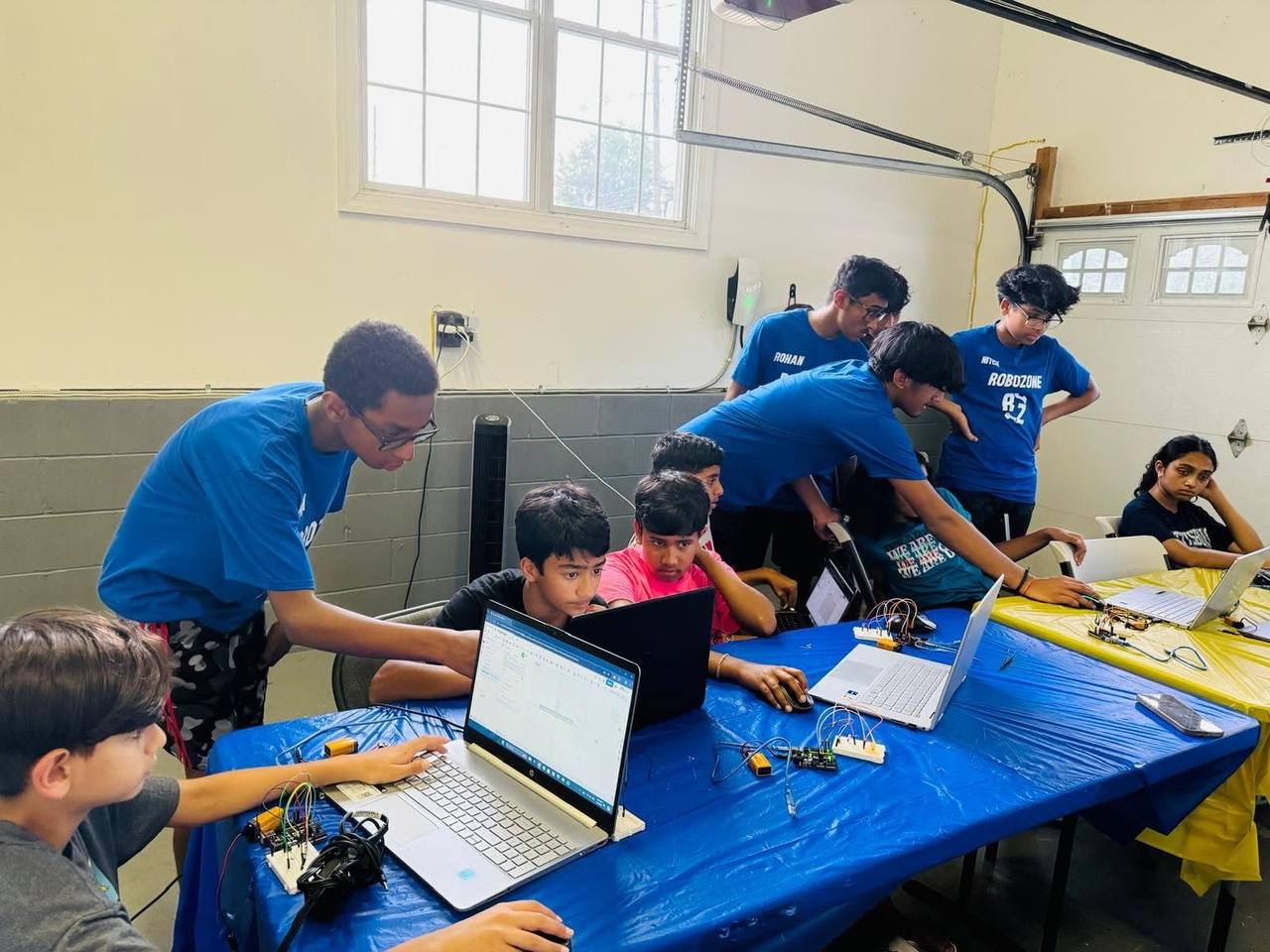
Mentors work alongside students at the table. Questions are part of every workshop, not an interruption.
A wire in the wrong row or a missing semicolon happens to everyone. Finding the problem is how students learn how circuits and code actually work.
Challenges come in different levels, and some lessons add extension challenges, like taking a servo build further. Experienced students still have something to work on.
Being explored Dates not announced
We're planning free, 60-minute online workshops in circuit simulation and CAD. Students will build virtual circuits and create digital 3D models, with no physical circuit building or 3D printing.
Families outside South Brunswick can't learn with RoboZone today. Free online workshops are how we plan to change that, teaching the same ideas step by step, entirely on screen.
Decided
Everything is done on a computer. There's no physical circuit building, assembly, or 3D printing.
Online workshops haven't launched. Class dates and registration have not been announced. Pilot dates, eligible audiences, registration, and platform arrangements are not yet confirmed.
They're separate from the in-person course: they won't use its venue, schedule, fees, or physical equipment, and its grade range doesn't automatically apply.
The robot arm on our homepage is an on-screen illustration of servo angles. It isn't an online class.
Emailing us is a question. It doesn't enroll you or add you to a list.
Being explored No other branches yet
Local groups in other communities that would run hands-on workshops using RoboZone's teaching approach.
A branch would be a group in another community running hands-on workshops the way we do in South Brunswick: small groups, real hardware, and mentors at the table. No other branches exist yet, and there's no application or approval process. We'd start with a single pilot branch. Approval, support, and money arrangements are still being worked out.
For now, yes. RoboZone started in South Brunswick, New Jersey, and all of our workshops so far have been held in person there. We're planning free online workshops and exploring local branches in other communities, but neither has launched.
Not yet. We're planning free, 60-minute online workshops in circuit simulation and CAD. Class dates and registration have not been announced. If you're interested, you can email us; that's a question, not a registration.
Not at the moment. The next in-person session in South Brunswick hasn't been scheduled. Free online workshops are being planned, but dates and registration haven't been announced. The Program updates page always shows where each one stands.
No. All RoboZone online workshops will be free: no tuition, fees, kits, or required purchases. Donations to RoboZone are separate and never affect a student's place.
A computer with internet access. Everything happens on screen: students build virtual circuits and create digital 3D models, with no physical electronics, kits, or 3D printing. We'll list the specific free platforms and device requirements before registration opens.
Our South Brunswick workshops are where RoboZone's teaching approach comes from. A branch would be a group in another community running workshops with that approach. The idea is being explored: no other branches exist yet, and there's no set process for starting one.
Yes. Near South Brunswick, a school, library, or community space can talk with us about hosting in-person workshops. Hosting workshops doesn't make an organization a RoboZone branch. If you're farther away, we're glad to discuss a possible program in your community, keeping in mind that branches are still being explored.
Email team@robozonenj.org, or use the links on the Program updates page for local sessions, online classes, mentoring, or hosting. Emailing us doesn't reserve a spot or add you to a mailing list.
No. The in-person course starts with lighting a single LED on a breadboard. Challenges come in different levels, so students who already know some electronics or code still have something to work on.
Grades 4–8. We confirm the grade range for each session when it's announced.
LED and button circuits, servo mechanisms, parts designed in Onshape, and a final minigame that combines a circuit, code, and 3D-printed parts. One student built an automatic plant-watering machine.
Our first session, in summer 2024, was held in a garage. Since then, our workshops have been held at Code Ninjas in Kendall Park. The course runs eight weeks, with workshops of about two hours each. The next session will list its own dates, times, and location.
The fee is listed with each session before you register. In past sessions, families received billing details by email after signing up. If you have questions about cost, email us.
For past sessions, families filled out a short form on this site with the student's name and grade and a guardian's contact details, then received a confirmation and billing details by email, usually within about two business days. When the next session opens, its sign-up will appear on the Program updates page.
See where each program stands, or ask us about future in-person sessions, online classes, mentoring, or a program in your community.